Passing Context via URL Parameters to Marketing Agents
Last updated: August 11, 2026
Add prefixed query parameters to a standalone or embedded agent URL when you need to pass simple visitor context without calling JavaScript on the destination page.
Before You Begin
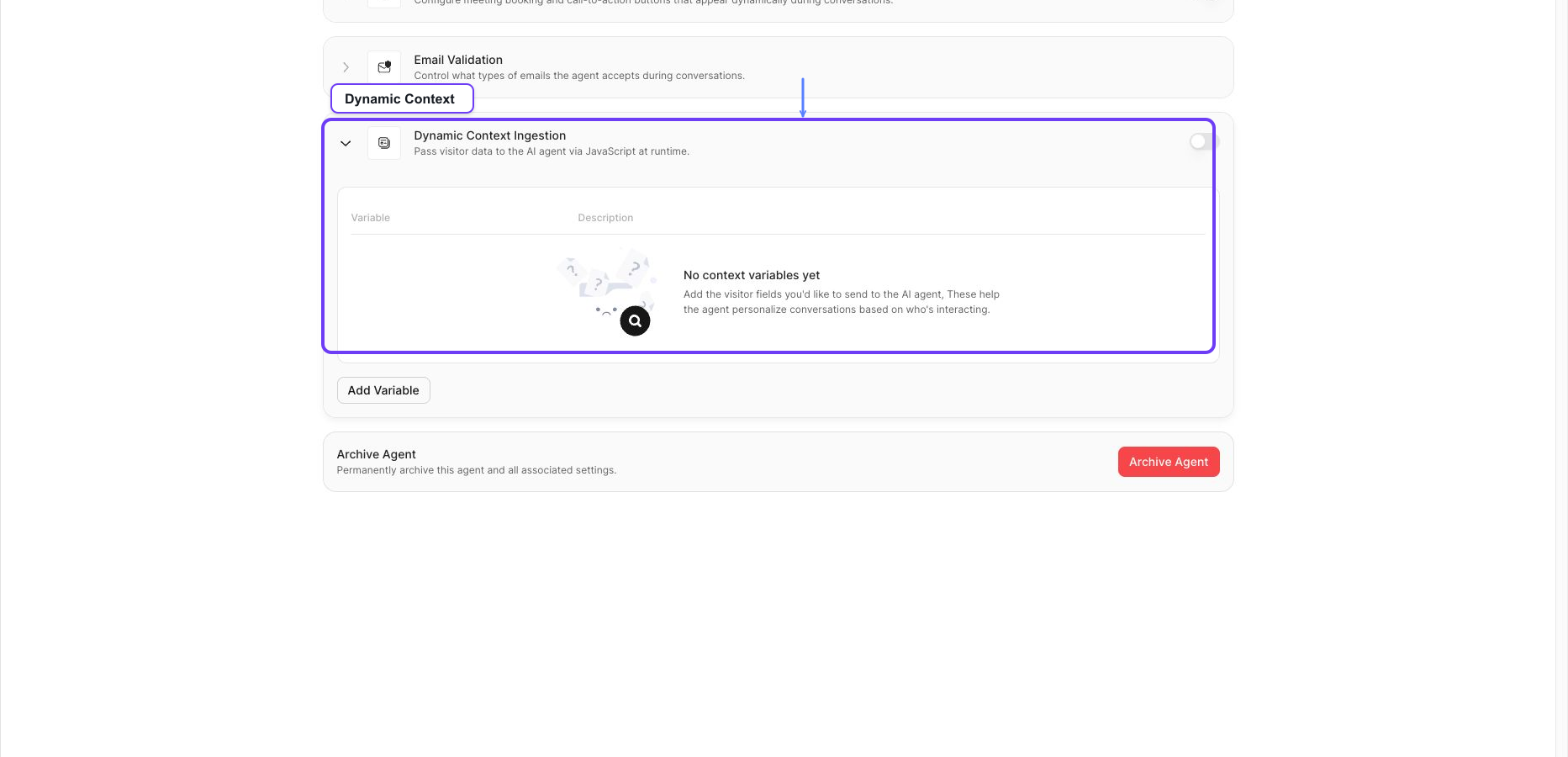
Configure the fields under Agent > Dynamic Context Ingestion.
Obtain the agent's standalone-page URL.
Decide which values are safe to expose in a browser URL.
Configure Context Variables
Open the agent's Agent tab and expand Dynamic Context Ingestion.
Enable Dynamic Context Ingestion.
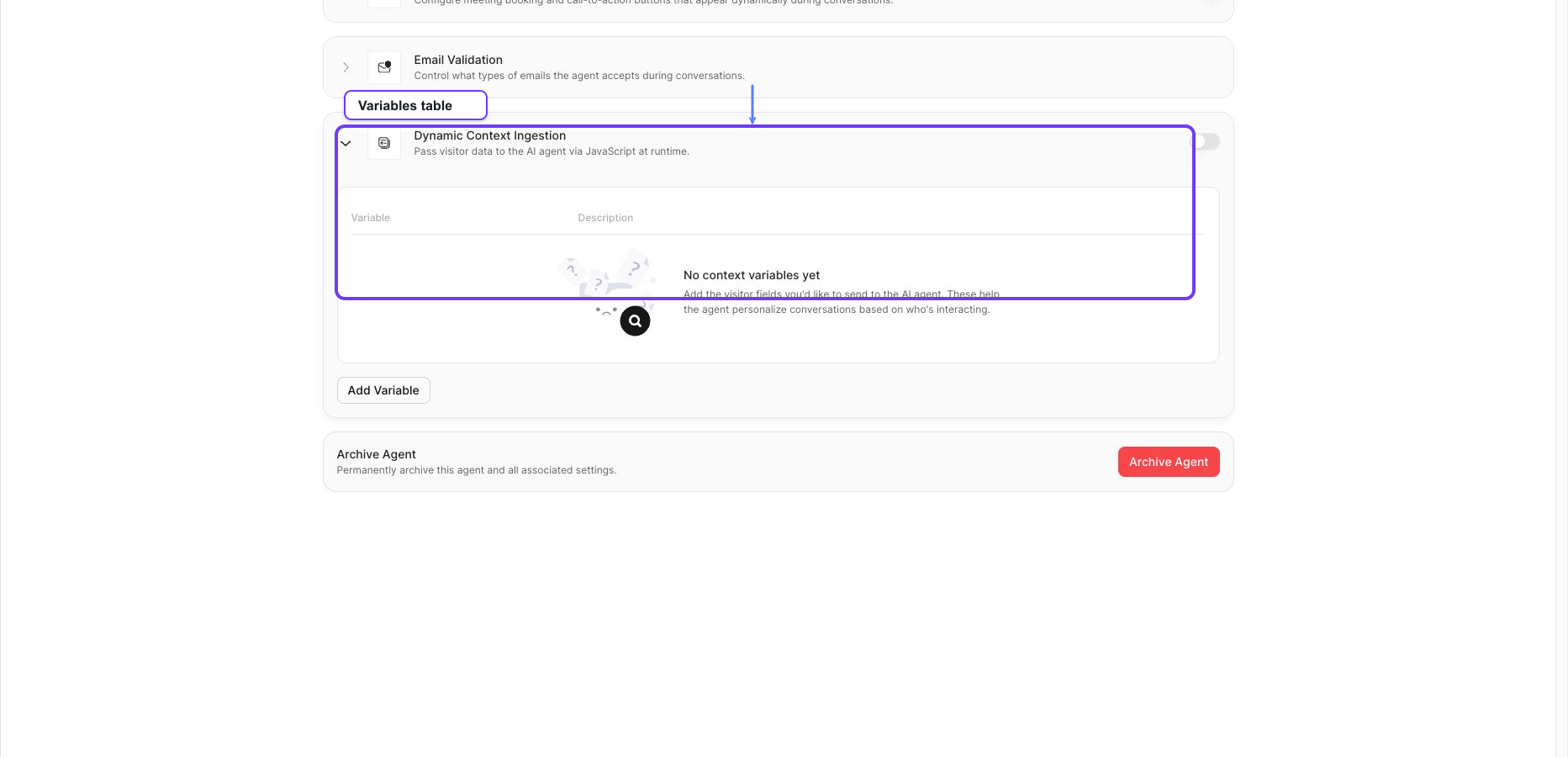
Add every variable you plan to send.
Give each variable a description that tells the agent how to use it.
Build the URL
Prefix each context parameter with ctx_. The widget removes the prefix before sending the values to the agent.
https://your-standalone-agent.example/?ctx_name=Jordan&ctx_company=Northstar%20Labs&ctx_plan=EnterpriseThe example produces this context object:
{
  name: "Jordan",
  company: "Northstar Labs",
  plan: "Enterprise"
}
Only parameters beginning with ctx_ are used for Dynamic Context. Other parameters, including common campaign parameters, are ignored by this ingestion path.
URL Rules
URL parameter values are passed as strings.
Empty keys such as
ctx_are ignored.When a key appears more than once, the last value is used.
The widget reads up to 50 context fields and applies a combined value-size limit.
A standalone or iframe page without any
ctx_parameters clears stale URL-ingested context by default.
Do not place passwords, access tokens, financial details, health information, or other sensitive values in a URL. URLs can appear in browser history, analytics, referrer data, and server logs.
Generate the URL Safely
Use URL and URLSearchParams instead of concatenating raw visitor values.
const url = new URL("https://your-standalone-agent.example/");
url.searchParams.set("ctx_name", "Jordan");
url.searchParams.set("ctx_company", "Northstar Labs");
url.searchParams.set("ctx_plan", "Enterprise");

const standaloneUrl = url.toString();
Verify the Result
Open the generated URL in a private browser window.
Start a new conversation.
Ask a question that should use one of the configured variables.
Confirm the agent uses the value according to the variable description.
Open the standalone URL without
ctx_parameters and confirm the previous visitor values are not reused.
Troubleshooting
Problem | What to check |
|---|---|
The agent ignores every value | Confirm Dynamic Context Ingestion is enabled and the URL uses the |
One field is ignored | Confirm the key after |
A value is cut off or malformed | Generate the URL with |
A number or boolean is treated as text | URL query parameters are strings. Convert or interpret the value in the agent's variable instructions. |
Old values appear | Open a new standalone page without context parameters or call |